Awarding Tokens
Written By Stacey Kessler
Last updated 8 months ago
Navigation
Log in to the application
On the left navigation menu select Token Events
Click token event name
Submit Initiative
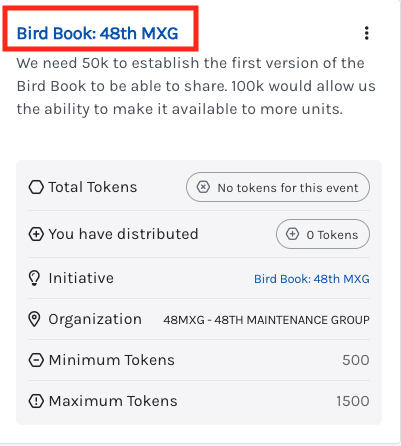
Click the initiative name at the top of the card to see additional submission details
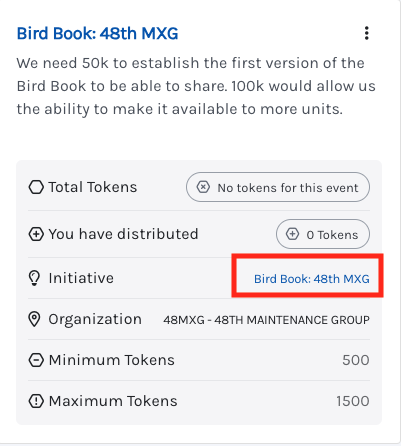
You can also click on the initiative name with the card and that will take you to the project details
Click the stacked 3 dots on the project card here to award tokens
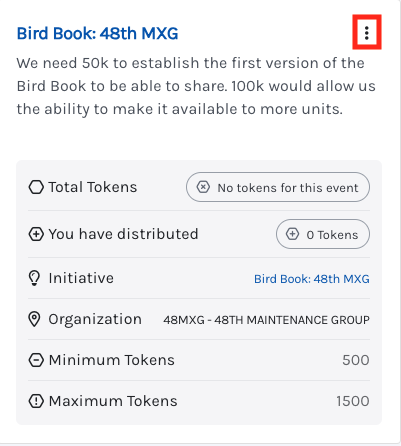
Click award tokens
Identify how many tokens you want to award to this project
Click Save
Was this helpful?
Still need help? Ask the team