Creating a VISION account
Written By Stacey Kessler
Last updated 9 months ago
Air Force & Space Force
VISION uses Platform One for SSO. In order to set up your VISION profile, you must have a Platform One account that is connected to your DOD CAC.
Click here to create your Platform One account
Heads up! You must use your .mil email. If you don't see your verification email, check your spam folder.
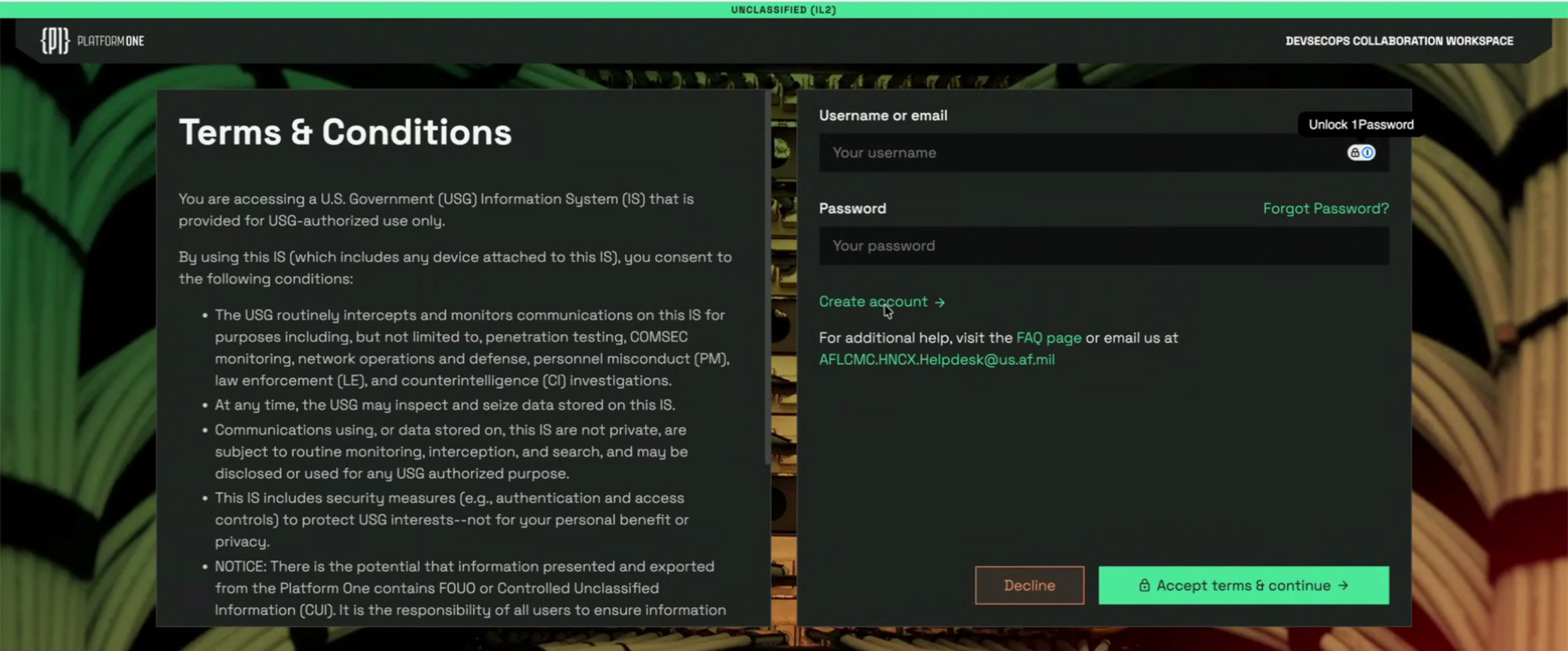
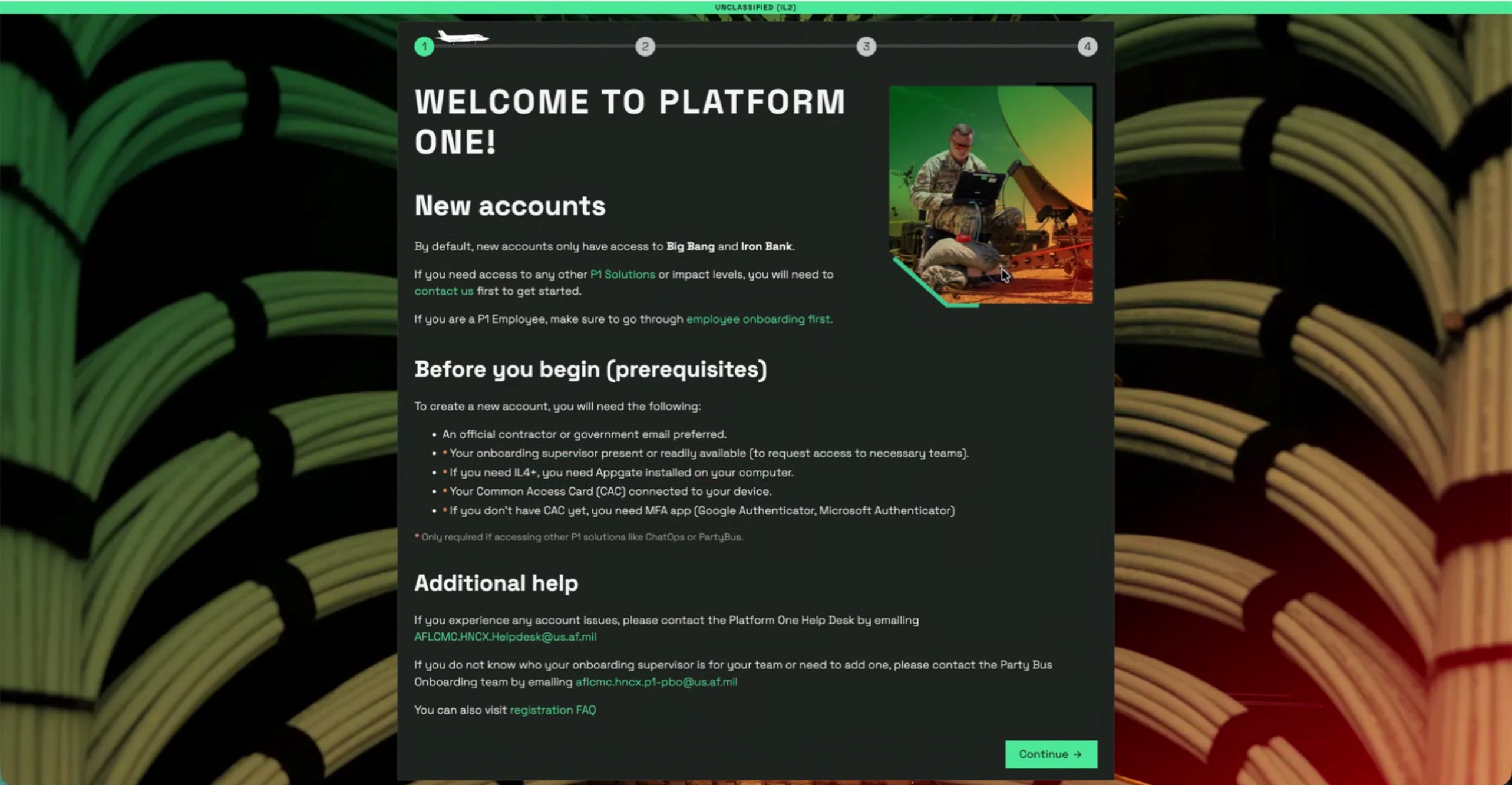
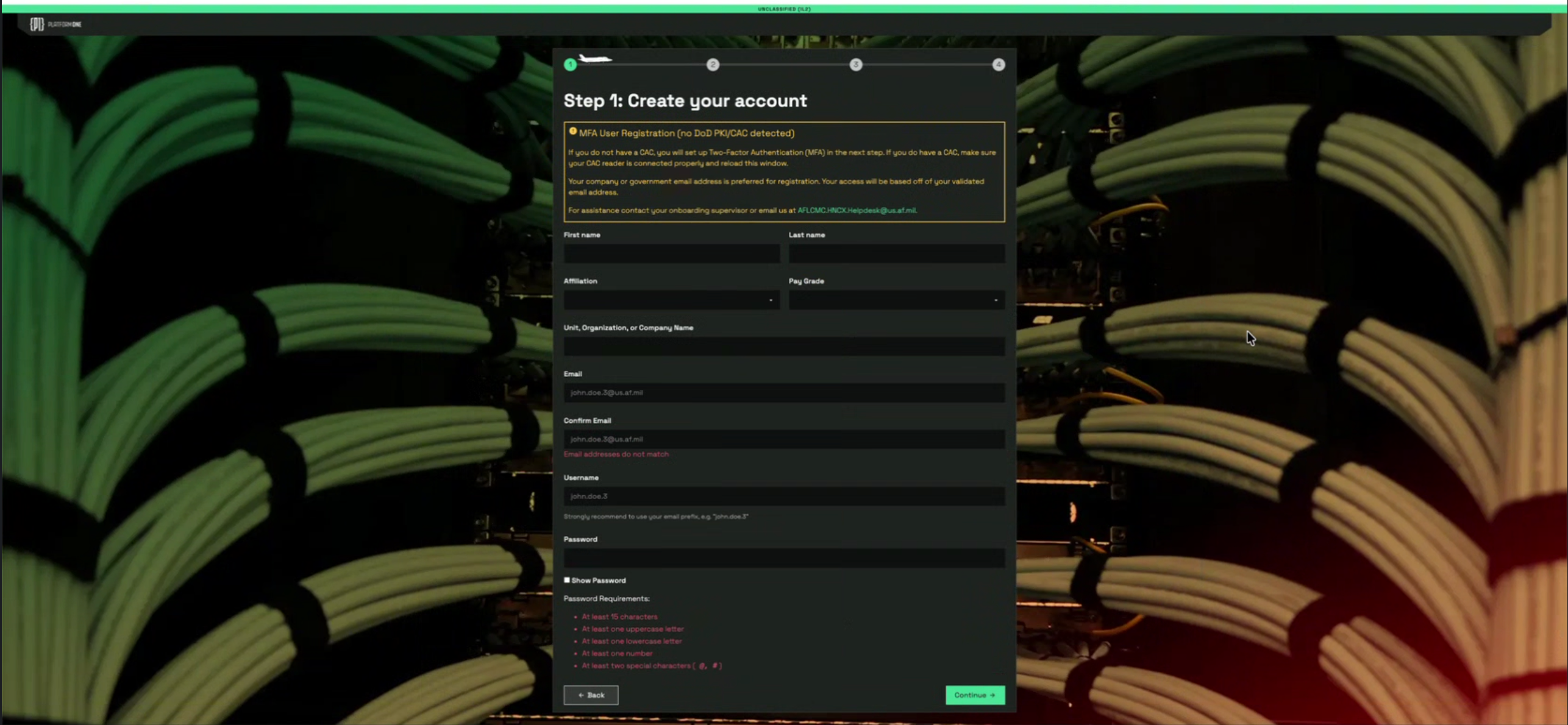
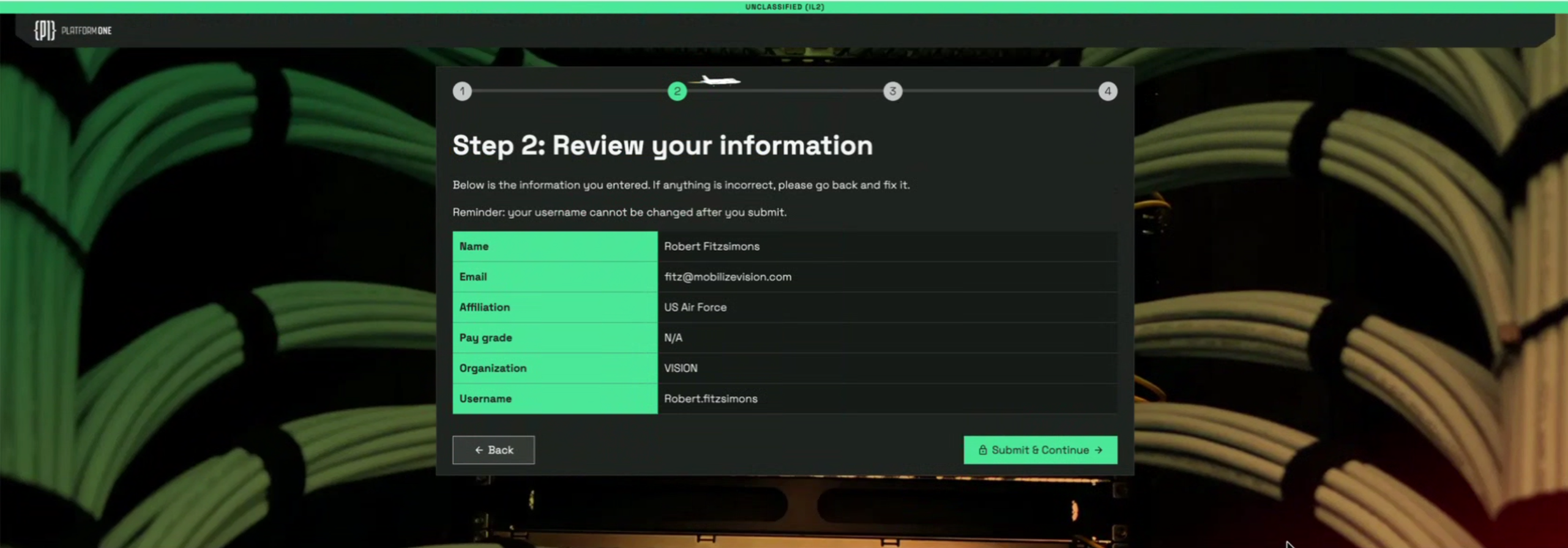
You will confirm your certs as a part of this process for folks with a CAC and once complete click the link below to set up your VISION account.
Navigate to https://vision.il4.afwerx.dso.mil/initiatives/explore
When you navigate to the application for the first time, you will set up your VISION profile details.
If you've followed the steps above and are still unable to access VISION, please reach out to our support team- support@mobilizevision.com
Army
VISION uses Platform One for SSO. In order to set up your VISION profile, you must have a Platform One account that is connected to your DOD CAC.
Click here to create your Platform One account
Heads up! You must use your .mil email. If you don't see your verification email, check your spam folder.
Navigate to https://vision.il4.afwerx.dso.mil/initiatives/explore
When you navigate to the application for the first time, you will set up your VISION profile details.
Leave the MAJCOM field blank and select from one of the following as your organization (currently the only available options for Army pending additions)
18th Airborne
AFC-AAL
JSOC
SOCOM
If you've followed the steps above and are still unable to access VISION, please reach out to our support team- support@mobilizevision.com
Navy
VISION uses Platform One for SSO. In order to set up your VISION profile, you must have a Platform One account that is connected to your DOD CAC.
Click here to create your Platform One account
Heads up! You must use your .mil email. If you don't see your verification email, check your spam folder.
Click here to set up your VISION profile and start using VISION!
While setting up your VISION profile, leave the MAJCOM field blank and select your Command level organization
If you've followed the steps above and are still unable to access VISION, please reach out to our support team- support@mobilizevision.com
Was this helpful?
Still need help? Ask the team