VISION Portal Access
The Portal access allows VISION users to securely connect to the VISION application through a Zero Trust environment without additional downloads required.
Written By Stacey Kessler
Last updated About 2 years ago
Confirm your CAC is connected to your device
Navigate to https://vision-portal.il4.afwerx.dso.mil/initiatives/explore
You will receive the following screen where you will click Sign in with provider
You will then sign in with your Platform One credentials
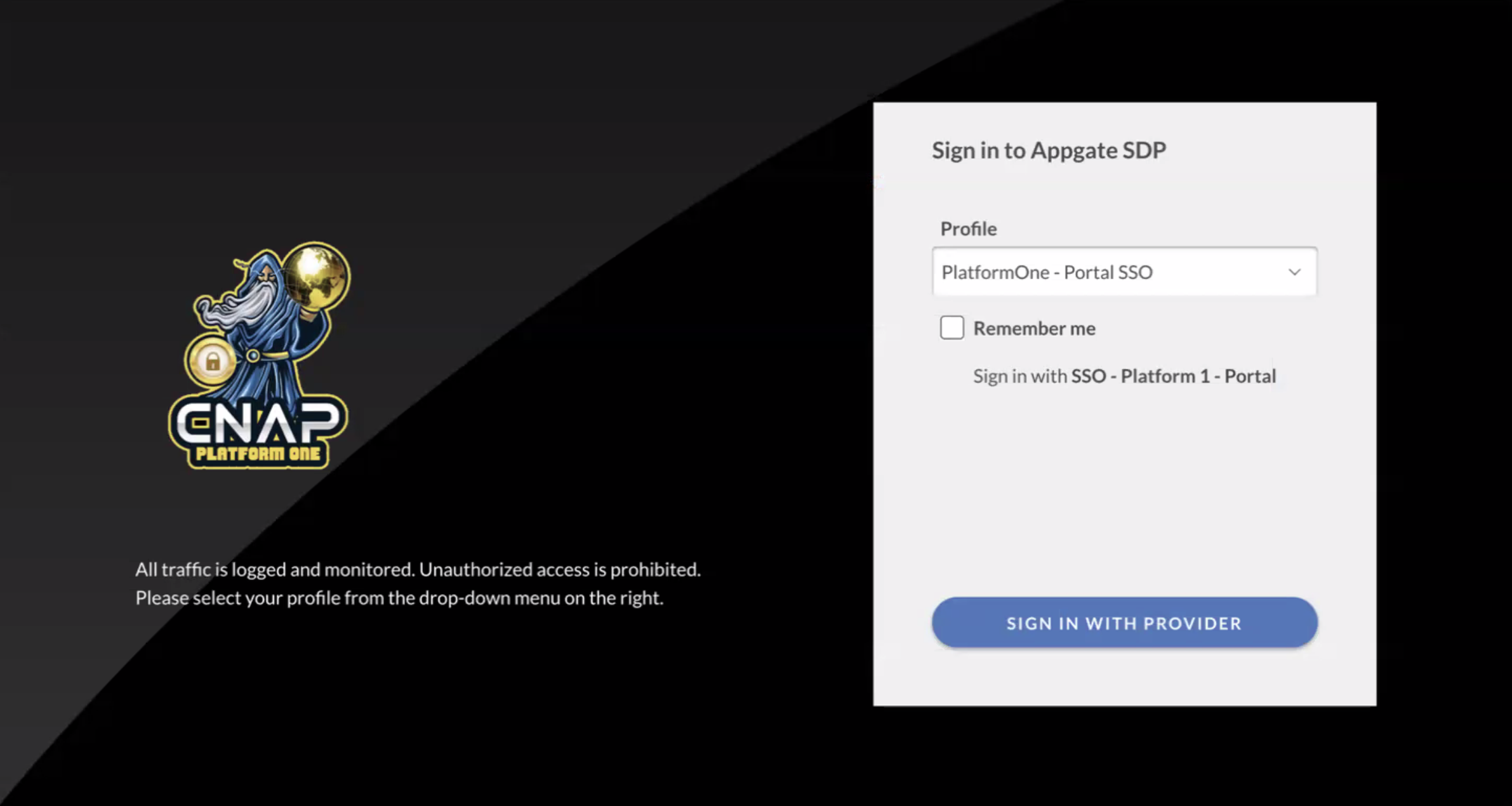
Next you will confirm your certificate or you will enter your username and password and then enter the six digit code from your Authenticator app that you set up when creating your Platform One account
You will be presented with the terms regarding accessing a government system
Once the terms are accepted you will be taken to VISION and the rest of the functionality is exactly the same
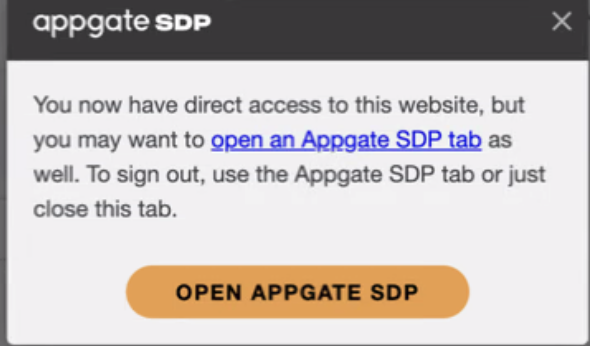
In the corner of your screen you will see the following box which you can go to the right corner and X out of that.
Welcome to VISION!
Was this helpful?
Still need help? Ask the team